Astrophotography / iPhone
Bring the night
into focus.
Choose a target. Frame your shot.
Hold still while it stacks.
Astrosimo takes care of metering, focus, alignment, and stacking. You stay with the sky.
See how it works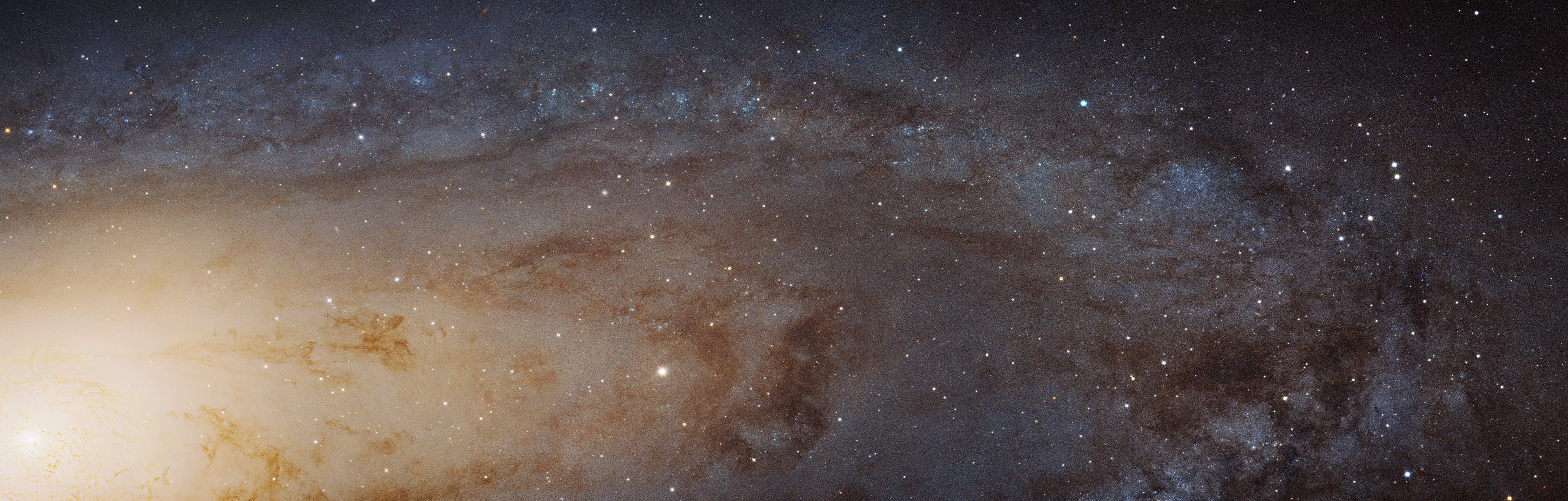
NASA, ESA, J. Dalcanton (University of Washington, USA), B. F. Williams (University of Washington, USA), L. C. Johnson (University of Washington, USA), the PHAT team, and R. Gendler. Image source · License & image use
From sky to photograph
A little guidance.
A longer look.
Choose a target.
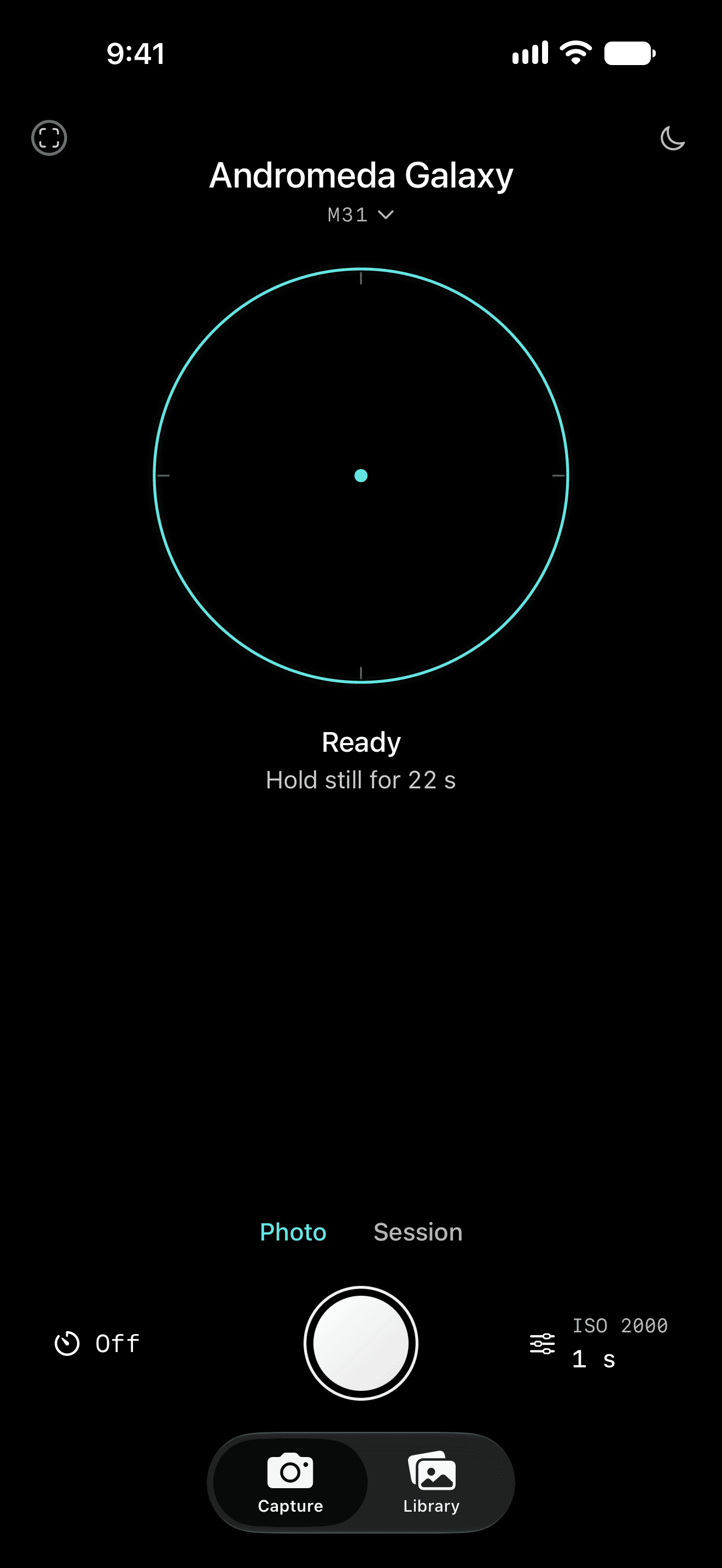
Find the Moon, planets, star clusters, nebulae, and galaxies in an astronomical catalog ranked for your location and tonight's sky.
Frame your subject.
Follow real-time celestial AR marks on the live camera to bring your target into the center.
Capture and stack.
Tap the shutter. Astrosimo meters the scene, locks focus, aligns and stacks multiple exposures, rejects motion blur, and finishes the photograph directly on your iPhone.
Collect
A record of
your nights.
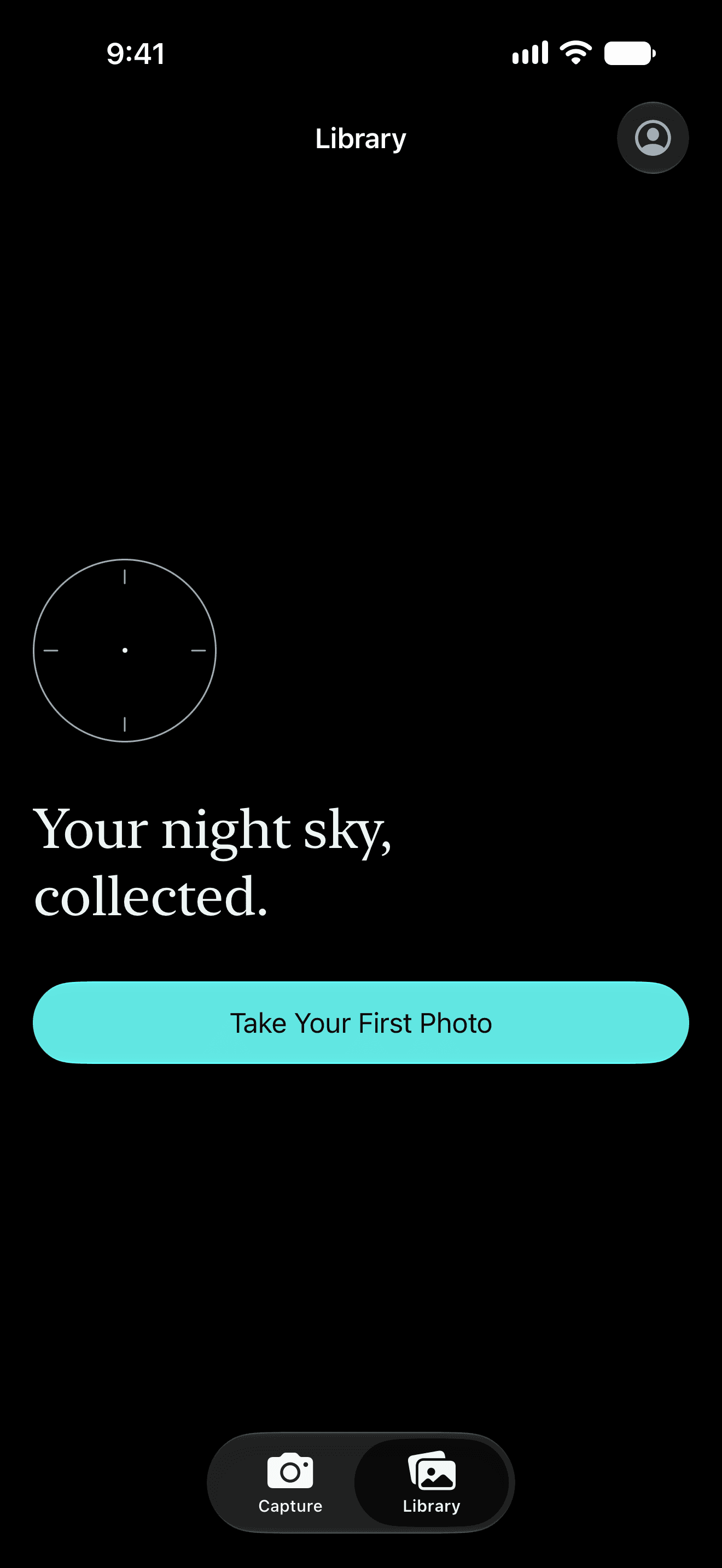
Keep your photographs and the settings behind them together. Revisit a session, inspect a detail, or take your favorite image with you.
Yours to keep.
Processing happens on your iPhone. Finished photos save to Photos. A smaller backup of each session stays in your own iCloud, with only an approximate location. It is not a full-resolution original.
Read our privacy policyFree & Pro
Start with the sky.
Your first three successful captures are included. Pro lets you keep photographing the night sky.
Free
$0
Point, capture, keep.
- 3 successful captures total, with automatic focus, exposure and white balance
- Frame registration, stacking and rejection
- Automatic gradient removal and stretch; photos up to 2200 px on the long side
- Photo, plus Trails and Time-lapse sessions of 5 or 10 minutes
- Target planning, Library and capture settings
Pro
$49.99/ year
Unlimited captures. Larger stacks. Longer sessions.
- Unlimited astrophotography, with capture still automatic
- Linear RAW stacking where supported; output up to 4096 px on the long side
- Manual exposure, ISO, white balance and focus with loupe and peaking
- Optional dark frames, adjustable gradient removal and stretch, and 16-bit TIFF export
- Trails and Time-lapse sessions up to 30 minutes, plus photo verification
Or $9.99/month. No trial. US prices; auto-renews until cancelled.
Time-lapse sessions produce clips of about 6–13 seconds, depending on session length. Localized App Store pricing appears before purchase. Failed or cancelled captures do not use your allowance. Subscription terms
Now on the App Store
Your next night out.
Choose a celestial target, frame it with the live sky, and let Astrosimo build the photograph on your iPhone.
Download on the App Store